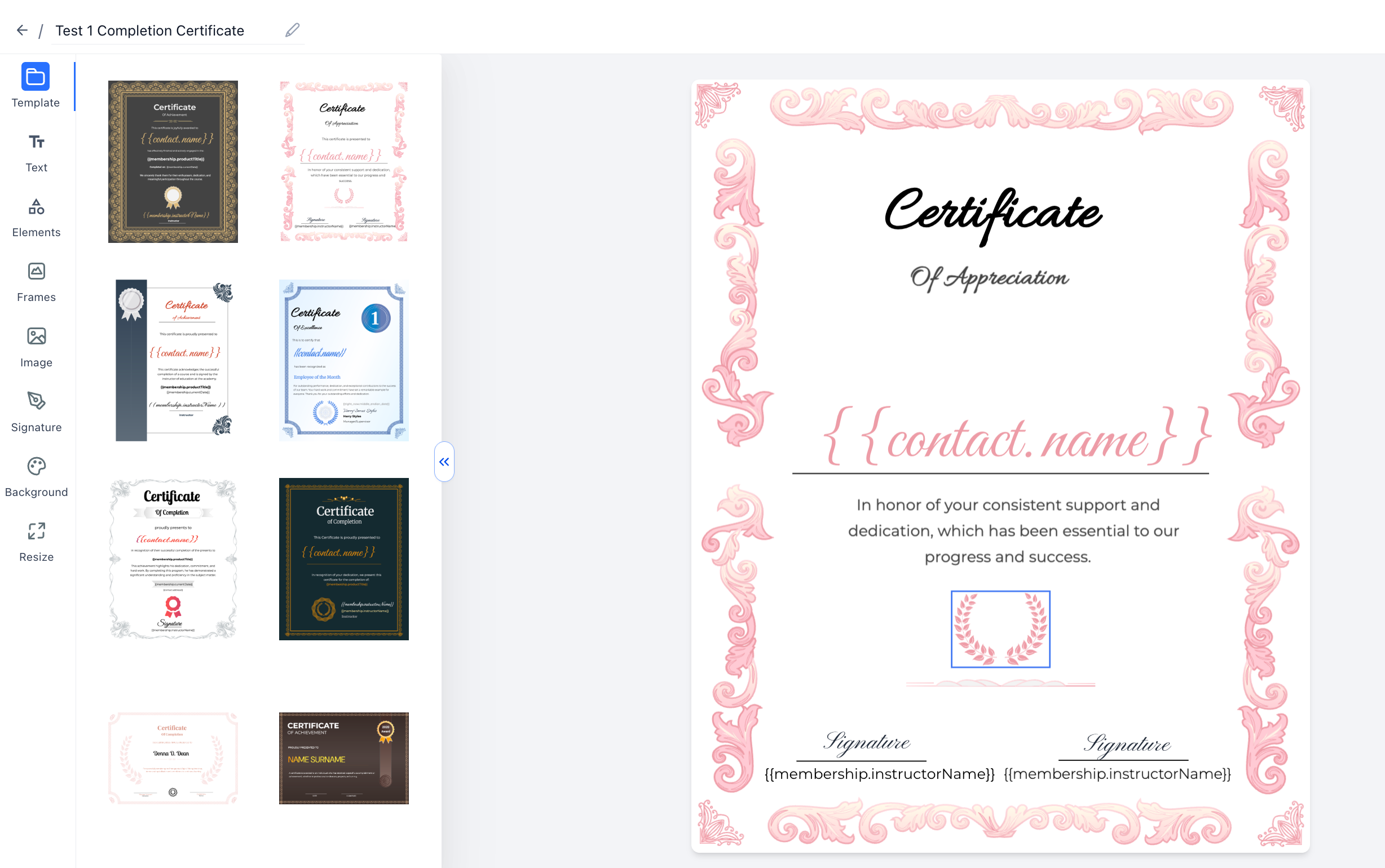
We’ve introduced a set of improvements to make designing Certificates and Badges faster, more precise, and easier to use.
What’s New?
- Hover Highlight: Elements now highlight on hover, making it easier to identify and select items on the canvas
- Improved Resize Control: Resize elements from the edge or corner you drag for more predictable adjustments
- Keyboard Shortcuts for Text: Use standard shortcuts for faster editing:
Ctrl/Cmd + B → Bold
Ctrl/Cmd + I → Italic
Ctrl/Cmd + U → Underline - Copy and Paste from Anywhere: Paste content from external tools like Docs or OpenAI without formatting issues
Why It Matters?
- Faster and smoother design experience
- Better control over layouts and elements
- Less time fixing formatting issues
More intuitive editing overall
Was this article helpful?
That’s Great!
Thank you for your feedback
Sorry! We couldn't be helpful
Thank you for your feedback
Feedback sent
We appreciate your effort and will try to fix the article